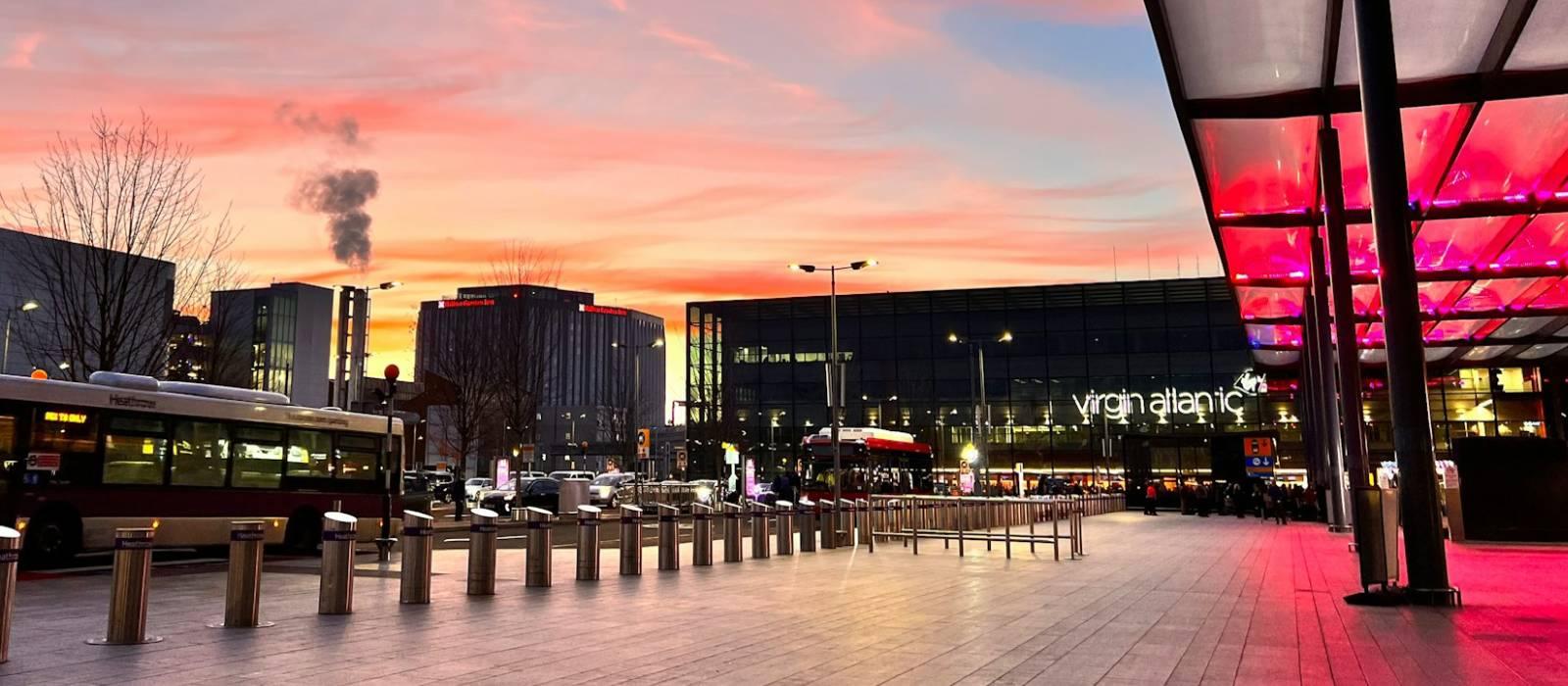
Wi-Fi at London Heathrow (LHR) is free across all terminals. Join “_Heathrow Wi-Fi”, then enter an email address on the sign-in page. Typical speeds are around 25 Mbps down and 10 Mbps up. Opened in 1946, the airport now has 4 terminals. It’s a hub for British Airways and Virgin Atlantic.
Is there free Wi-Fi at London Heathrow?
FreeYes. Free, unlimited Wi-Fi is available at London Heathrow.
- Common SSIDs: _Heathrow Wi-Fi
- Sign-in: Email click-through
- Provider: Boingo
Crowd-Reported Wi-Fi Summary
Based on 3 approved reports, latest report 10 Mar 2026.
Wi-Fi Freshness
Help refresh this page
The latest approved report is getting old. Share an updated Wi-Fi report so this guide stays accurate.
Takes about 30 seconds
Connection details
- Login: Email verification • device remembered ~7 days
- Roaming: Passpoint · eduroam
- Security: OPEN • HTTPS portal • blocked: P2P
- Support: Heathrow Wi-Fi Customer Care: 0808 189 1365
Speed & reliability
Useful upgrades for this trip
Need a backup to London Heathrow Wi-Fi?
If the airport network feels slow, crowded, or unreliable, an eSIM can give you instant mobile data without hunting for a local SIM. It is one of the easiest fallback options for travellers at LHR.
Get travel dataTerminal specifics
- T2SSIDs: _Heathrow Wi-FiFree Wi-Fi is available throughout the terminal. Seating around the main departures area and airside food spots tends to be a practical place to get online.
- T3SSIDs: _Heathrow Wi-FiFree Wi-Fi is available throughout the terminal. Expect a busier atmosphere around peak long-haul departure times.
- T4SSIDs: _Heathrow Wi-FiFree Wi-Fi is available throughout the terminal. Good fallback if you can find quieter seating away from the busiest gate clusters.
- T5SSIDs: _Heathrow Wi-FiBritish Airways’ main Heathrow terminal. Wi-Fi is available throughout, but signal quality and comfort can feel inconsistent in the busiest seating areas.
Power & places to work
- Pret A MangerTerminal 2, airsideA practical casual stop if you want coffee, food, seating and a decent chance of nearby power.
- General seating near central departuresTerminal 5, airsideUseful for quick laptop sessions, though noise and crowding can make it less ideal for focused work.
Best places to work at London Heathrow
Terminal 2 is one of the safer public-terminal bets for laptop use, especially around larger seating zones and food outlets where you are more likely to find table space and nearby charging.
Look for seating away from the busiest central food hall areas. Terminal 2 and quieter edges of Terminal 4 are usually a better bet for short calls than the main Terminal 5 rush zones.
Heathrow officially provides free Power Pole charging in every terminal before and after security, so newer seating areas and central waiting zones are usually your best option for topping up a phone or laptop.
If the public network feels slow, move away from packed gate areas and toward calmer seating zones or a lounge if you have access. At Heathrow, crowding often matters as much as the network itself.
Pret A Manger is a reliable all-round option at Heathrow because it gives you food, a place to sit, and a reasonable chance of staying productive while connected.
Lounges, cafes and useful work spots
Pret A Manger
cafe • T2 • Airside
One of the more practical public work spots at Heathrow if you want coffee, food and a reasonable amount of seating.
Pret A Manger
cafe • T5 • Available in Terminal 5
Useful as a fallback in Terminal 5, but it can get busy and feel less comfortable for longer focused work sessions.
Power Pole charging areas
charging • Available in all terminals before and after security
Best used as a practical charging fallback rather than a destination workspace. Official Heathrow charging coverage is one of the strongest utility features across the airport.
Terminal 2 public seating zones
other • T2 • Main departures and airside seating
A good default option if you do not have lounge access and just need to get some work done before a flight.
Terminal 5 public seating zones
other • T5 • Main departures and gate areas
Fine for short bursts of work, but the busiest periods can make it noisier and less comfortable than Terminal 2.
How to connect at LHR
- Join "_Heathrow Wi-Fi".
- Open a browser; if the portal doesn’t appear, visit a non-HTTPS page to trigger it.
- Complete any email/SMS step.
- Start your VPN, then browse normally.
Interesting Facts about London Heathrow Airport
- Heathrow was the busiest airport in Europe by passenger traffic in 2024.
- Heathrow handled 83.9 million passengers in 2024, a record year for the airport.
- The airport currently has four passenger terminals: 2, 3, 4 and 5.
- Heathrow provides free Wi-Fi throughout its terminals via _Heathrow Wi-Fi.
- Once registered, Wi-Fi is free for the duration of your stay at Heathrow.
- Free Power Pole charging is available in all terminals before and after security.
- Heathrow is a major hub for British Airways and Virgin Atlantic.
- The airport opened for commercial operations in 1946.
Quick Wi-Fi check for London Heathrow
Don’t want to fill in the full report? Just tap a few quick answers. Even a tiny update helps keep this airport page fresh.
Submit a Wi-Fi report
Help keep London Heathrow accurate for other travellers.