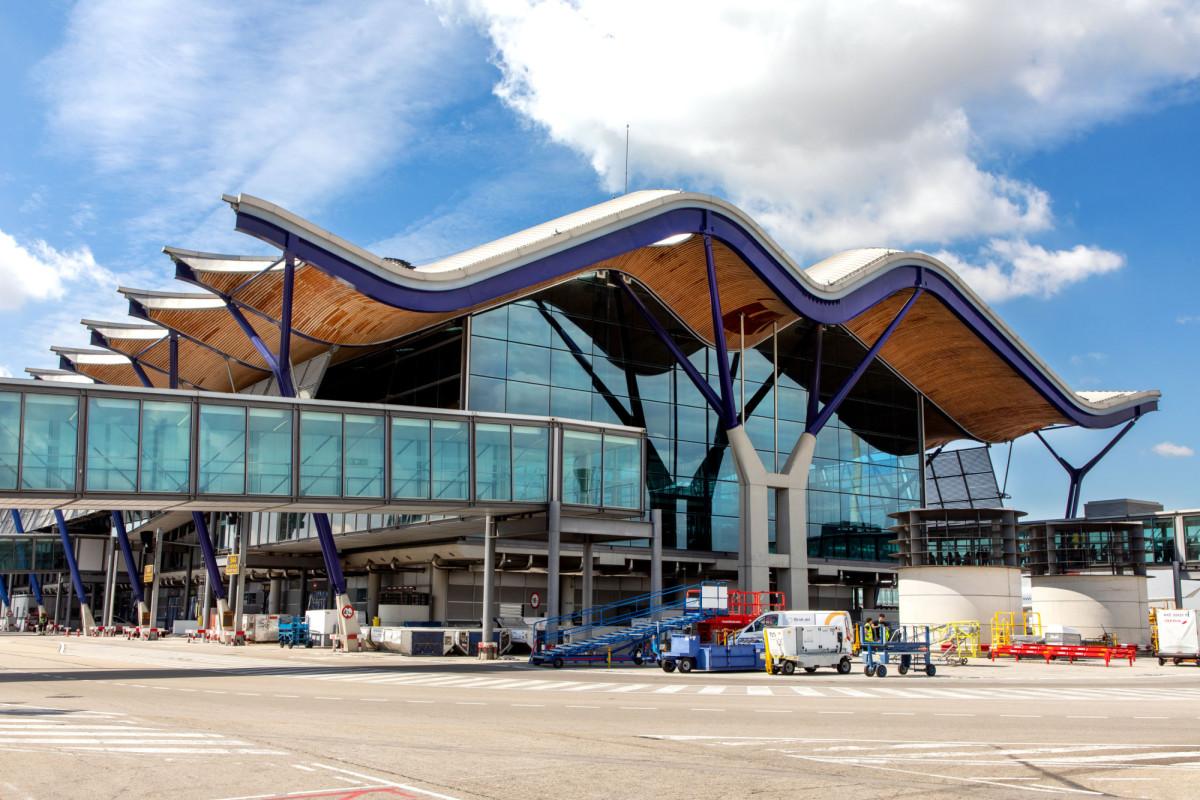
Adolfo Suárez Madrid-Barajas Airport (MAD) Wi-Fi
Last verified 3/6/2026Recheck suggested • Madrid, Spain
Wi-Fi at Adolfo Suárez Madrid-Barajas Airport (MAD) is free across all terminals. Join “Airport Free Wifi Aena”, then enter an email address on the sign-in page. The airport has 5 terminals. It’s a hub for Iberia and Air Europa.
Is there free Wi-Fi at Adolfo Suárez Madrid-Barajas Airport?
FreeYes. Free, unlimited Wi-Fi is available at Adolfo Suárez Madrid-Barajas Airport.
- Common SSIDs: Airport Free Wifi Aena
- Sign-in: Email/portal sign-in (guest email or Aena Club)
- Provider: Aena
Wi-Fi Freshness
Be the first to verify this airport
Share a quick Wi-Fi report to help travellers with real-world speed, reliability and login details.
Takes about 30 seconds
Connection details
- Login: Email verification
- Security: OPEN • HTTPS portal
- Support: serviciowifi@aena.es • (+34) 900 928 053
Speed & reliability
Useful upgrades for this trip
Need a backup to Adolfo Suárez Madrid-Barajas Airport Wi-Fi?
If the airport network feels slow, crowded, or unreliable, an eSIM can give you instant mobile data without hunting for a local SIM. It is one of the easiest fallback options for travellers at MAD.
Get travel dataTerminal specifics
- T1SSIDs: Airport Free Wifi AenaCoverage is available throughout the terminal, with larger central seating and food-adjacent areas usually being the easiest places to settle in.
- T2SSIDs: Airport Free Wifi AenaA practical terminal for short work sessions, especially around gate seating and café areas.
- T3SSIDs: Airport Free Wifi AenaUsually fine for light browsing and quick laptop use, though your experience can improve if you sit closer to the main waiting areas.
- T4SSIDs: Airport Free Wifi AenaOne of the better parts of MAD for public laptop use, thanks to broad concourse space and a better chance of finding suitable seating.
- T4SSSIDs: Airport Free Wifi AenaThe satellite building generally offers consistent coverage in departure lounge areas, though peak long-haul waves can make it feel busier.
Power & places to work
- Counter seating with outletsT4 central concourseA practical option for a short laptop session, especially outside the busiest departure banks.
- Seating islands near gatesT2 departuresUseful for topping up devices and doing light work before boarding.
Best places to work at Adolfo Suárez Madrid-Barajas Airport
Terminal 4 is usually the best public-terminal option at Madrid-Barajas for laptop work, mainly because it offers more concourse space and a better chance of finding usable seating.
For short calls, calmer edge seating in T2 or quieter stretches of T4 usually work better than the busiest retail and boarding clusters.
Newer seating areas in T4 and gate-adjacent waiting zones tend to be your safest bet if you need both a seat and power.
If the network feels crowded, move away from packed boarding areas and central flow zones. At MAD, changing where you sit often improves the experience more than anything else.
Food-adjacent seating in T4 is usually the best compromise if you want to eat, stay online and get some work done.
Lounges, cafes and useful work spots
Terminal 4 central concourse seating
other • T4 • Central concourse and waiting areas
One of the more practical public work areas at MAD if you want room to sit down and a decent chance of nearby charging.
Terminal 2 gate seating areas
other • T2 • Departure seating near gates
A decent fallback if you want to get online and catch up on a bit of work before boarding.
Terminal 4 food-adjacent seating
other • T4 • Near cafés and food outlets
A good all-round option if you want food, a place to sit and a reasonable chance of staying productive.
T4S departure lounge seating
other • T4S • Satellite building departure lounges
Useful for catching up on quick work while waiting for a long-haul departure, though peak periods can feel busier.
How to connect at MAD
- Join "Airport Free Wifi Aena".
- Open a browser; if the portal doesn’t appear, visit a non-HTTPS page to trigger it.
- Complete any email/SMS step.
- Start your VPN, then browse normally.
Interesting Facts about Adolfo Suárez Madrid-Barajas Airport Airport
- Adolfo Suárez Madrid-Barajas handled 66,196,984 passengers in 2024.
- The airport’s current passenger terminals are T1, T2, T3, T4 and T4S.
- Free Wi-Fi is available via the Airport Free Wifi Aena network.
- Passengers can connect as a guest with an email address or by using an Aena Club account.
- Madrid-Barajas is Spain’s busiest airport and one of Europe’s main long-haul gateways.
- Terminal 4 and Terminal 4 Satellite are the airport’s main modern long-haul facilities.
Quick Wi-Fi check for Adolfo Suárez Madrid-Barajas Airport
Don’t want to fill in the full report? Just tap a few quick answers. Even a tiny update helps keep this airport page fresh.
Submit a Wi-Fi report
Help keep Adolfo Suárez Madrid-Barajas Airport accurate for other travellers.