Singapore Changi Airport (SIN) Wi-Fi
Last verified 3/6/2026Recheck suggested • Singapore, Singapore
Wi-Fi at Singapore Changi Airport (SIN) is free across all terminals. Join “#WiFi@Changi”, then accept the terms on the sign-in page. The airport has 4 terminals. It’s a hub for Singapore Airlines and Scoot.
Is there free Wi-Fi at Singapore Changi Airport?
FreeYes. Free, unlimited Wi-Fi is available at Singapore Changi Airport.
- Common SSIDs: #WiFi@Changi
- Sign-in: Click-through portal (select #WiFi@Changi and connect)
- Provider: Changi Airport Group
Wi-Fi Freshness
Be the first to verify this airport
Share a quick Wi-Fi report to help travellers with real-world speed, reliability and login details.
Takes about 30 seconds
Connection details
- Login: Click-through portal
- Security: OPEN • HTTPS portal
- Support: See Changi contact information page or ask any Information Counter
Speed & reliability
Useful upgrades for this trip
Need a backup to Singapore Changi Airport Wi-Fi?
If the airport network feels slow, crowded, or unreliable, an eSIM can give you instant mobile data without hunting for a local SIM. It is one of the easiest fallback options for travellers at SIN.
Get travel dataTerminal specifics
- T1SSIDs: #WiFi@ChangiA strong all-round terminal for getting online, especially around larger seating clusters and food-adjacent areas.
- T2SSIDs: #WiFi@ChangiCoverage is generally very consistent, and the renovated spaces make it one of the better terminals for short laptop sessions.
- T3SSIDs: #WiFi@ChangiUsually one of the best terminals for sitting down with a laptop, with a good mix of seating, dwell space and calmer corners.
- T4SSIDs: #WiFi@ChangiReliable coverage across the terminal, with practical gate-area seating for quick work sessions and device charging.
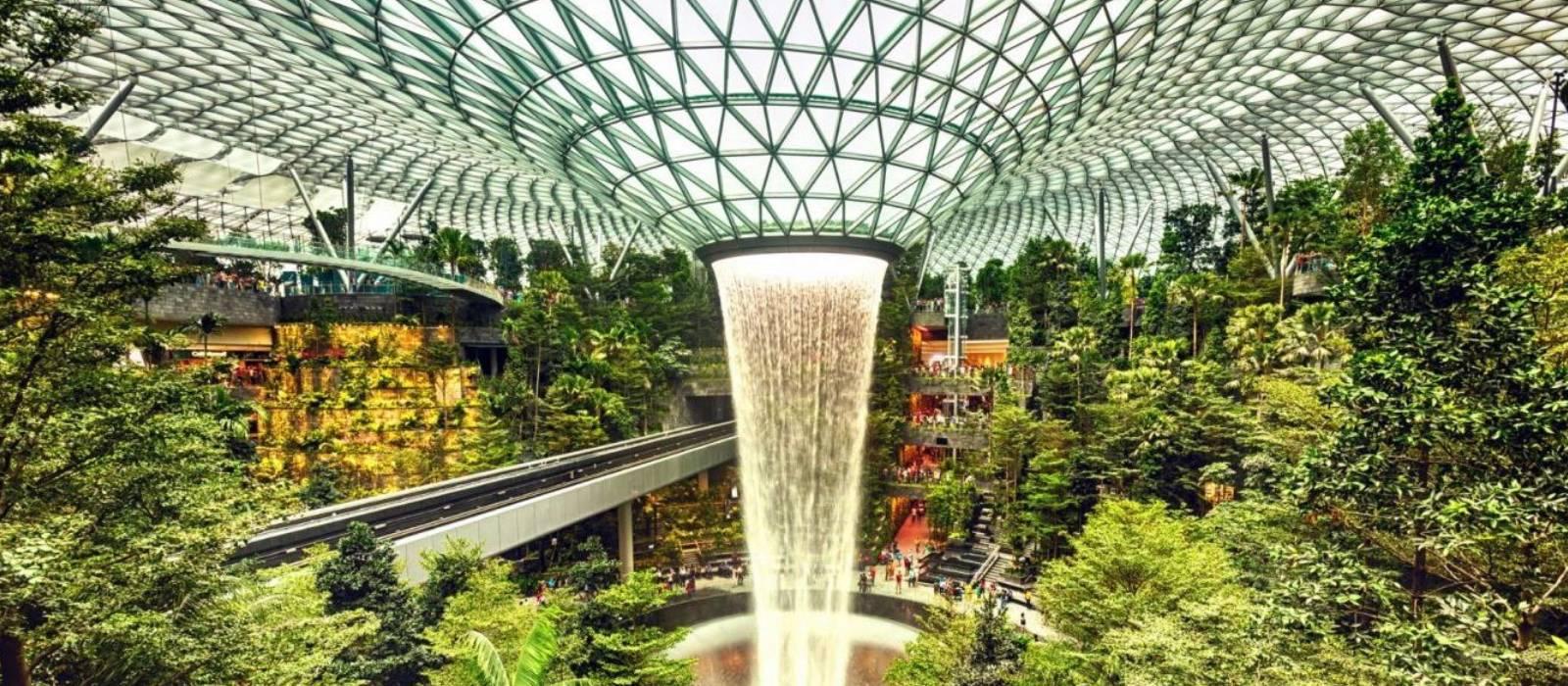
- JewelSSIDs: #WiFi@ChangiJewel is in the public area and is directly connected to Terminal 1. Seating clusters work well for short work sessions, though it can get busy.
Power & places to work
- Counter seating with outletsT3 and T4 gate areasA practical choice for quiet laptop use outside the busiest departure waves.
- Seating clustersJewel public areasGood for short work sessions if you want a less gate-focused environment.
Best places to work at Singapore Changi Airport
Terminal 3 is usually one of the best public-terminal options at Changi for laptop work, thanks to its strong seating mix, broad coverage and calmer corners away from the main flow areas.
For short calls, quieter seating stretches in Terminal 2 or Terminal 3 are usually a better bet than the busiest retail corridors or gate clusters.
Changi is one of the easier major airports for charging. Gate-area seating in Terminal 3 and Terminal 4, plus many general seating zones, are strong options if you need both power and a place to sit.
If you hit a crowded patch, moving to another seating cluster usually helps quickly. At Changi, the airport-wide coverage is strong enough that changing location is often all you need.
Food-adjacent seating in Terminal 3 and some Jewel seating zones are among the best combinations if you want to eat, stay online and get a bit of work done.
Lounges, cafes and useful work spots
Terminal 3 public seating areas
other • T3
One of the strongest public work areas at Changi, especially if you want a reliable seat and a better chance of calm surroundings.
Terminal 4 gate seating areas
other • T4 • Gate and waiting areas
A very practical choice for quick work sessions and device charging before boarding.
Terminal 2 seating zones
other • T2
The upgraded terminal layout makes this a good all-round option if you need a seat, power and dependable airport Wi-Fi.
Jewel seating clusters
other • Jewel • Public area between T1 and linked access from T2/T3
A useful option if you have landside time and want a more relaxed public setting than the terminal gate areas.
How to connect at SIN
- Join "#WiFi@Changi".
- Open a browser; if the portal doesn’t appear, visit a non-HTTPS page to trigger it.
- Complete any email/SMS step.
- Start your VPN, then browse normally.
Interesting Facts about Singapore Changi Airport Airport
- Singapore Changi Airport handled 67.7 million passengers in 2024.
- WiFi@Changi offers unlimited hours of complimentary airport Wi-Fi.
- The airport’s official Wi-Fi service is listed as #WiFi@Changi.
- Charging points across Changi provide USB ports and power sockets, but travellers need to bring their own cable.
- Changi currently operates Terminals 1, 2, 3 and 4, with Jewel connected to Terminal 1 and linked from T2 and T3.
- Changi is the main hub for Singapore Airlines and Scoot.
- Jewel is in the public area and is directly connected to Terminal 1.
Quick Wi-Fi check for Singapore Changi Airport
Don’t want to fill in the full report? Just tap a few quick answers. Even a tiny update helps keep this airport page fresh.
Submit a Wi-Fi report
Help keep Singapore Changi Airport accurate for other travellers.