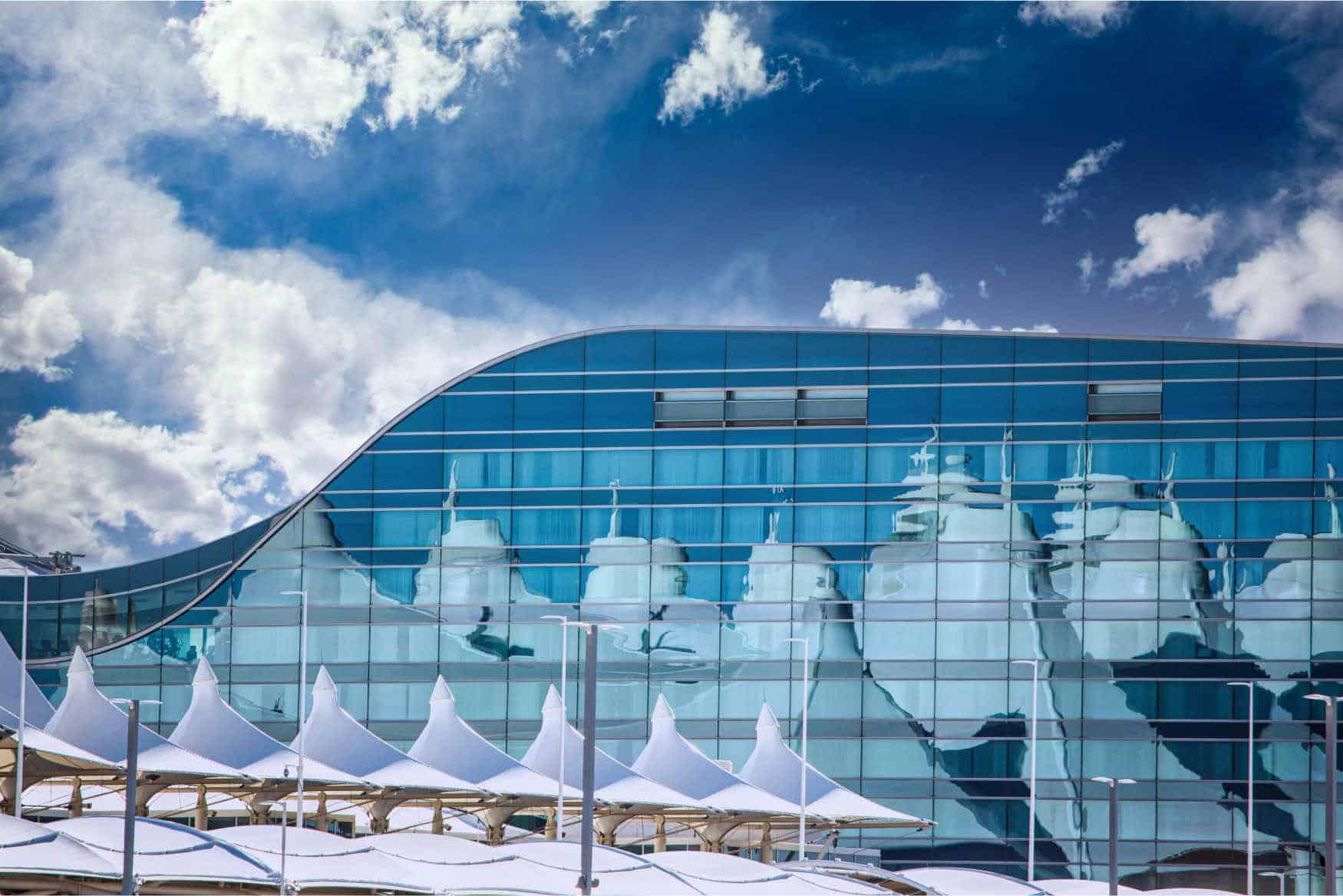
Denver International Airport (DEN) Wi-Fi
Last verified 3/6/2026Recheck suggested • Denver, USA
Wi-Fi at Denver International Airport (DEN) is free across all terminals. Join “DEN Airport Free WiFi”, then accept the terms on the sign-in page. The airport has 1 terminal. It’s a hub for United Airlines and Southwest Airlines.
Is there free Wi-Fi at Denver International Airport?
FreeYes. Free, unlimited Wi-Fi is available at Denver International Airport.
- Common SSIDs: DEN Airport Free WiFi, DEN Airport Free WiFi 2.4
- Sign-in: Tap Connect / accept terms, no signup required
- Provider: DEN
Wi-Fi Freshness
Be the first to verify this airport
Share a quick Wi-Fi report to help travellers with real-world speed, reliability and login details.
Takes about 30 seconds
Connection details
- Login: Click-through portal
- Security: OPEN • HTTPS portal
- Support: DEN Wi-Fi support: DENAirportWIFI@flydenver.com
Speed & reliability
Useful upgrades for this trip
Need a backup to Denver International Airport Wi-Fi?
If the airport network feels slow, crowded, or unreliable, an eSIM can give you instant mobile data without hunting for a local SIM. It is one of the easiest fallback options for travellers at DEN.
Get travel dataTerminal specifics
- Jeppesen TerminalSSIDs: DEN Airport Free WiFi, DEN Airport Free WiFi 2.4A practical place to get online before security, with broad coverage and large public waiting areas.
- Concourse ASSIDs: DEN Airport Free WiFi, DEN Airport Free WiFi 2.4Usually a good option for workability, with charging stations and seating zones that are easier to use for short laptop sessions.
- Concourse BSSIDs: DEN Airport Free WiFi, DEN Airport Free WiFi 2.4A busy concourse with broad coverage. Food-adjacent seating and larger waiting areas are usually the best bets.
- Concourse CSSIDs: DEN Airport Free WiFi, DEN Airport Free WiFi 2.4A decent option for casual work and charging, especially if you can find calmer seating away from the busiest gates.
Power & places to work
- Battery charging stationsJeppesen Terminal and Concourses A, B and CUseful for short work sessions because they combine seats, worktops and charging.
- Gate-area countersConcourses A, B and C near windowsA practical fallback if you want a flat surface and a little separation from the busiest foot traffic.
Best places to work at Denver International Airport
Concourse A is usually one of the better public-terminal options at DEN for laptop work, thanks to its charging stations, work surfaces and generally easier seating layout.
For short calls, try quieter edge seating or charging stations rather than the busiest central gate areas, especially in Concourses A and C.
Charging is one of DEN’s stronger features. The airport’s battery charging stations across Jeppesen and all concourses are the safest bet if power matters most.
If the Wi-Fi feels congested, moving away from packed boarding clusters and into larger waiting areas usually improves the experience fairly quickly.
Food-adjacent seating in the concourses works well if you want to eat, stay online and get through a bit of work before boarding.
Lounges, cafes and useful work spots
Battery charging stations
charging • Jeppesen Terminal and Concourses A, B, C
One of the strongest public work setups at DEN because these stations combine seating, power and usable work surfaces.
Concourse A seating zones
other • Concourse A
A strong all-round option for quick laptop work if you want seating and a reasonable chance of nearby charging.
Concourse B food-adjacent seating
other • Concourse B
Useful if you want food and a place to sit, though it can feel busier than some other DEN work spots.
Gate-area window counters
other • Concourses A, B, C
A practical fallback if you want a flatter working surface and a little more space than standard gate seating.
How to connect at DEN
- Join "DEN Airport Free WiFi" or "DEN Airport Free WiFi 2.4".
- Open a browser; if the portal doesn’t appear, visit a non-HTTPS page to trigger it.
- Complete any email/SMS step.
- Start your VPN, then browse normally.
Interesting Facts about Denver International Airport Airport
- Denver International Airport handled 82,358,744 passengers in 2024.
- Free wireless internet is available throughout the airport.
- The current public Wi-Fi networks are DEN Airport Free WiFi and DEN Airport Free WiFi 2.4.
- The airport’s battery charging stations are available in Jeppesen Terminal and all concourses.
- DEN has Jeppesen Terminal and three concourses: A, B and C.
- Denver is one of the busiest airports in the world by passenger traffic.
Quick Wi-Fi check for Denver International Airport
Don’t want to fill in the full report? Just tap a few quick answers. Even a tiny update helps keep this airport page fresh.
Submit a Wi-Fi report
Help keep Denver International Airport accurate for other travellers.
Sources
More airports in USA
- John F. Kennedy International Airport (JFK)
- Los Angeles International Airport (LAX)
- Hartsfield-Jackson Atlanta International Airport (ATL)
- Memphis International Airport (MEM)
- Philadelphia International Airport (PHL)
- Dallas/Fort Worth International Airport (DFW)
- Chicago O'Hare International Airport (ORD)
- Charlotte Douglas International Airport (CLT)
- Harry Reid International Airport (LAS)